Membership Registration Instructions
Welcome to the KSEA Philadelphia Chapter! Please follow the steps below to create your account, pay the membership fee, and join our local chapter.
Create a new KSEA Account
Go to the KSEA National signup page and fill out the registration form.
Sign Up at KSEA.org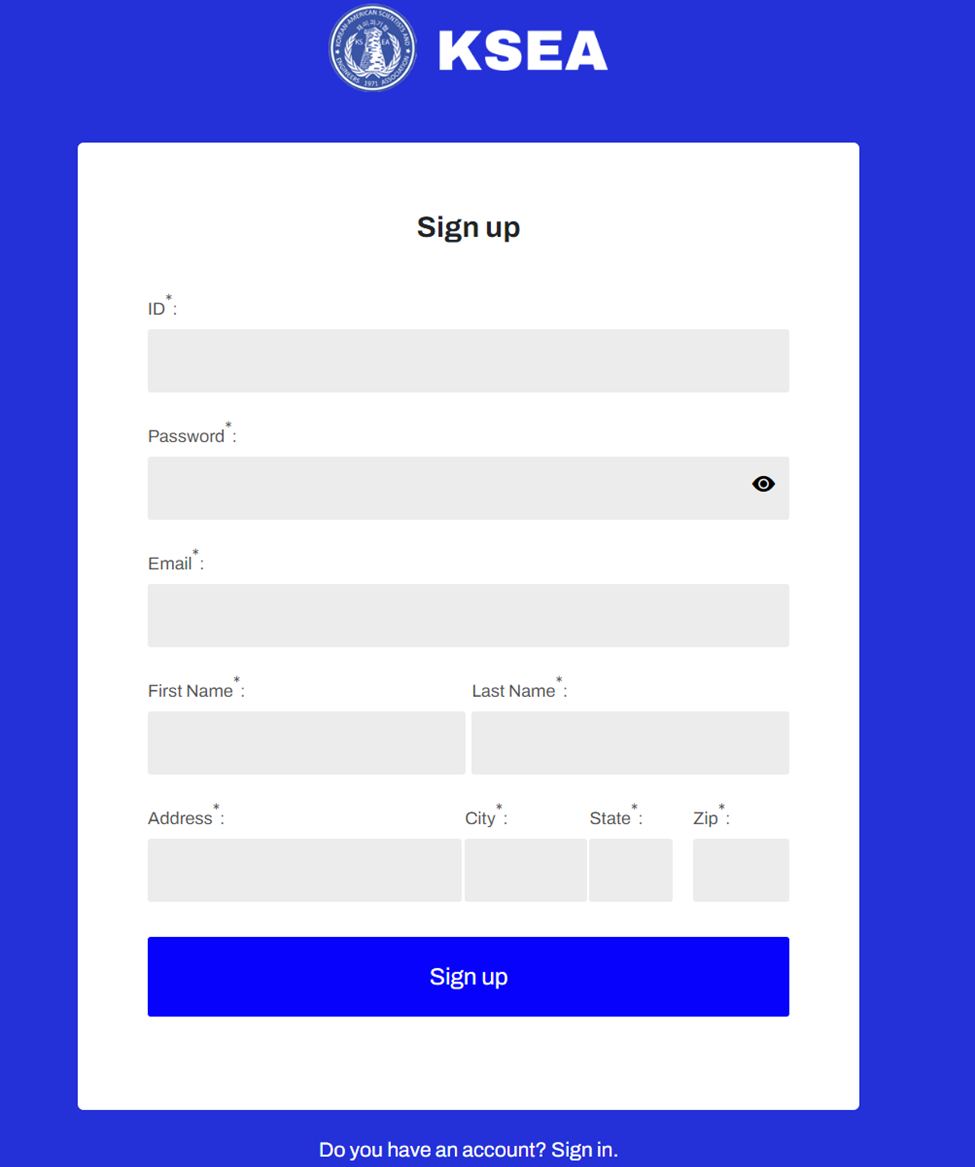
Verify Your Email
Enter the 6-digit confirmation code sent to your email and click "Confirm".
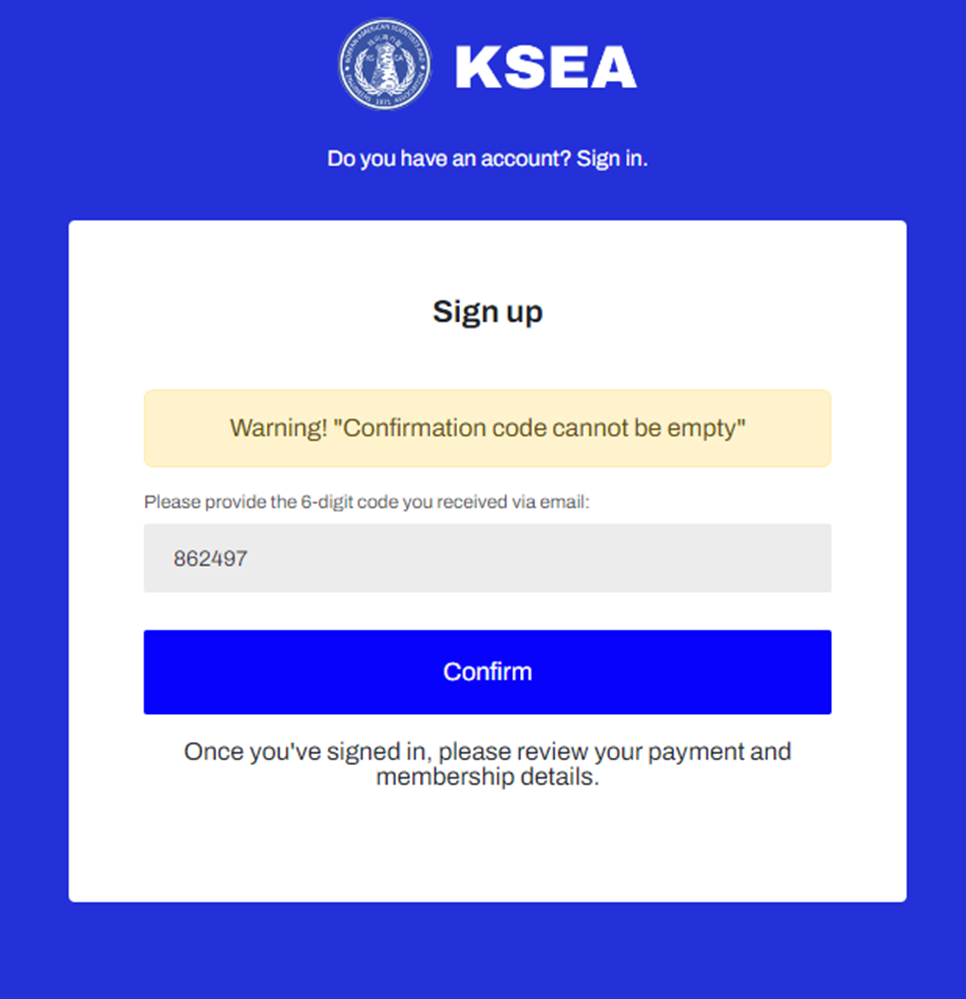
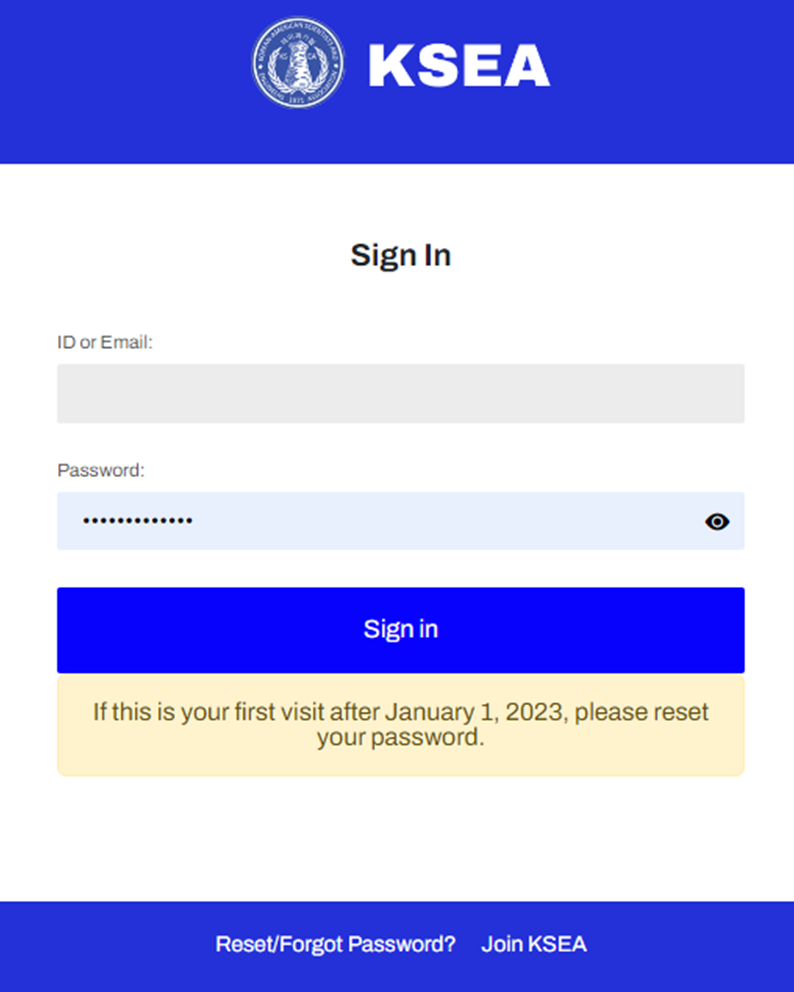
Go to Membership Information
After signing in, navigate to "My Profile" and click on "Membership Information".
- Students (Grad/Undergrad): Click "Get Started" in the Green Box labeled "Student Discount".
- Regular Members: Click "Get Started" in the Red Box labeled "$35".
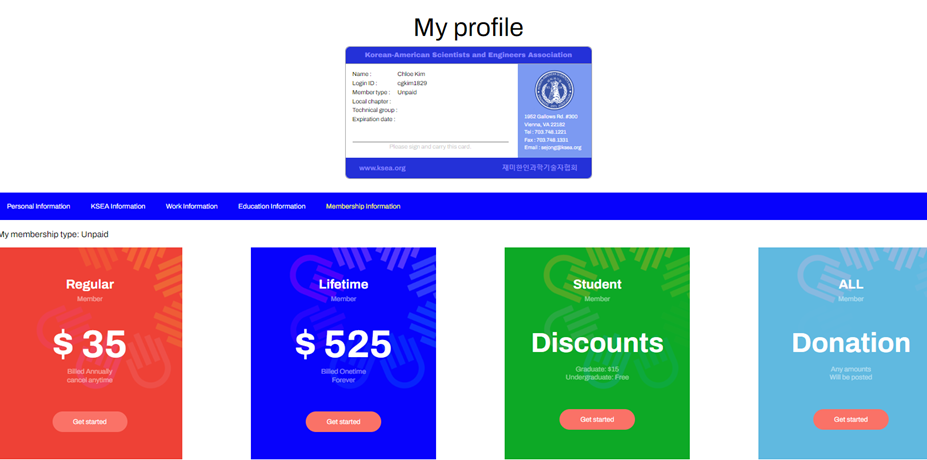
Pay Membership Fee
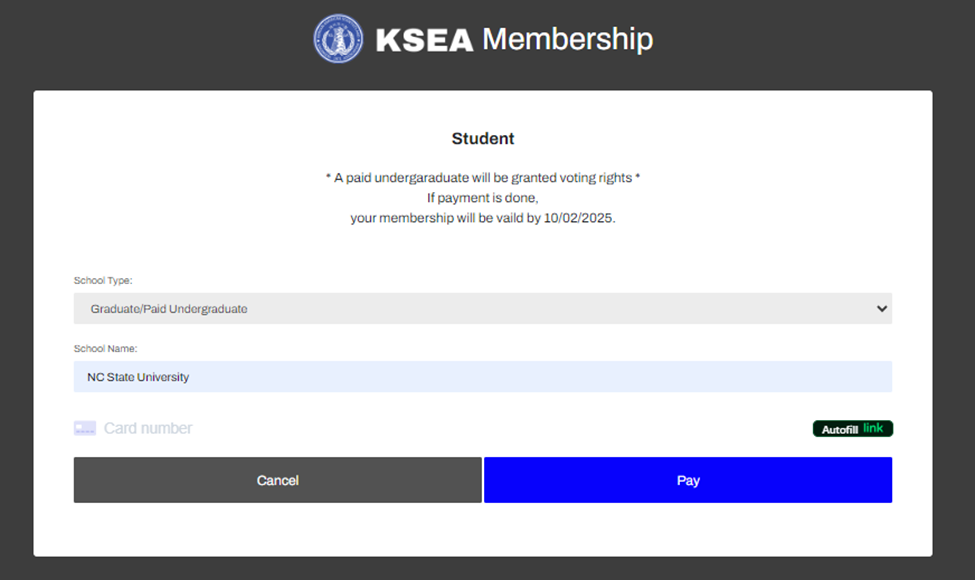
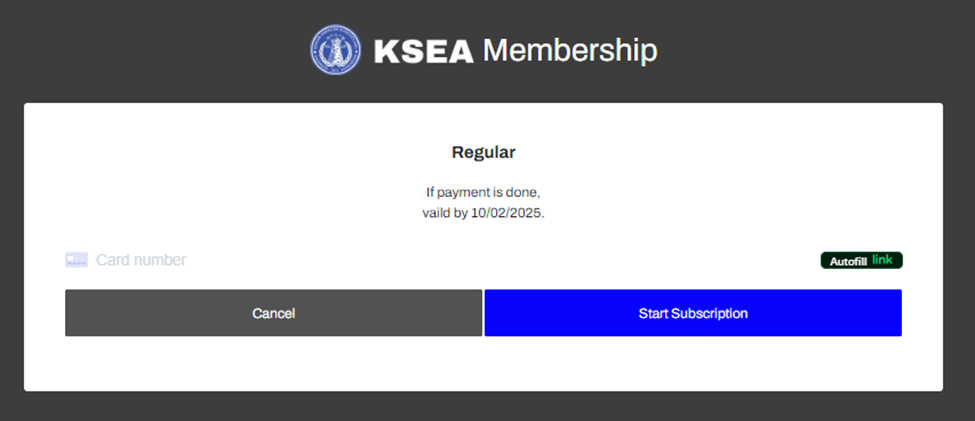
Complete the payment process. Undergraduate membership is Free ($0), while Paid Undergraduate, Graduate, and Trainee fees are $15. Regular membership is $35.
Student Fee ($15 / $0)
Regular Fee ($35)
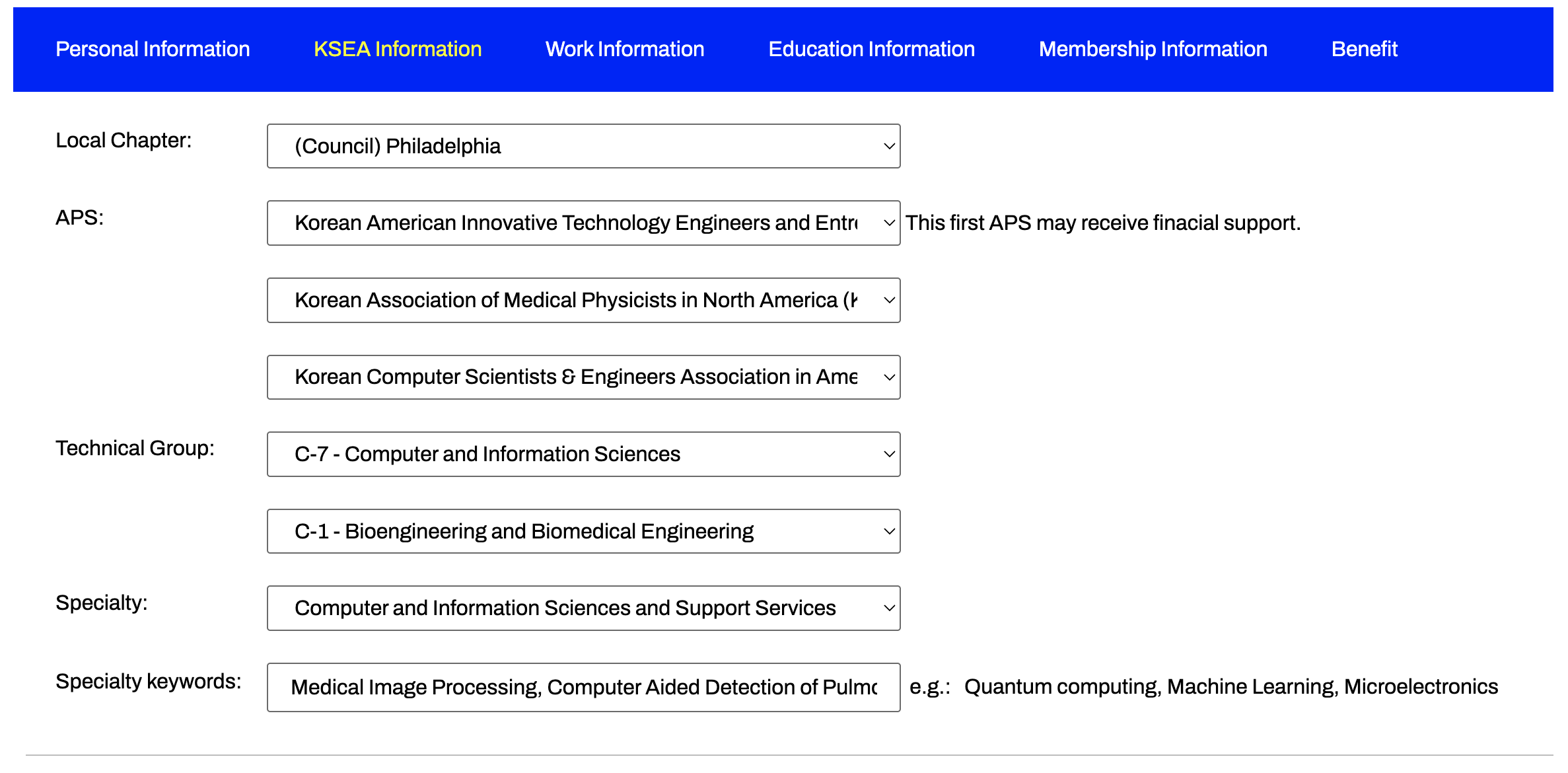
Choose Local Chapter: Philadelphia
Go to "KSEA Information" in "My Profile" and select "(Council) Philadelphia" as your local chapter. Remember to update other profile details as well.
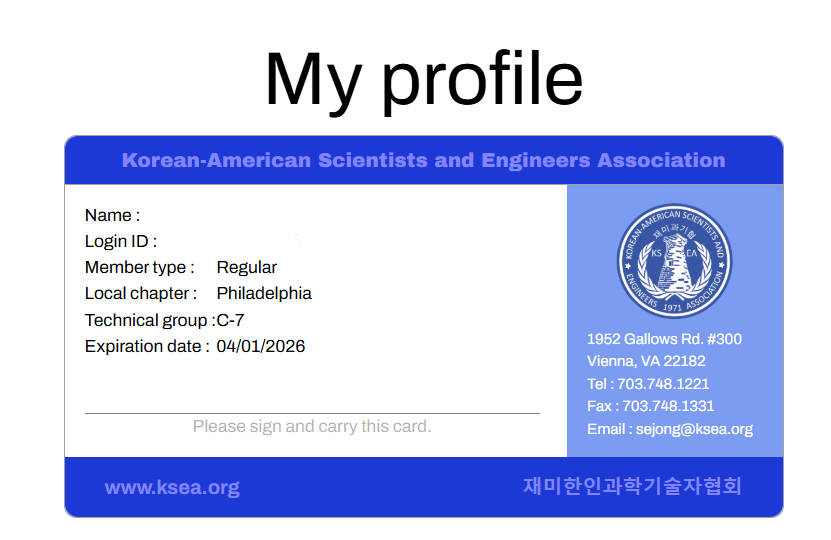
Notify the Philadelphia Chapter
Copy your KSEA ID from your profile card and email it to us at ksea.philly.chapter@gmail.com along with your Venmo or Zelle ID for membership tracking.
Mobile Registration Process
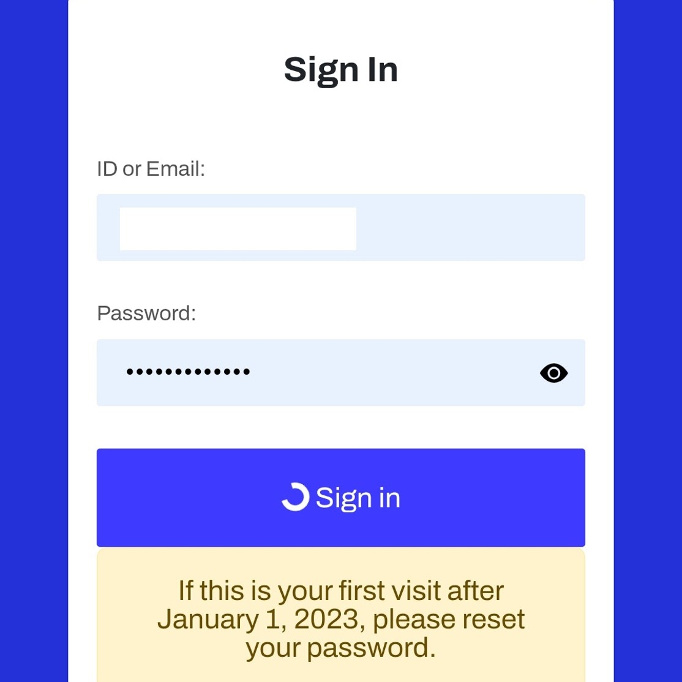
1. Sign In
First, log in to the KSEA website on your mobile device.
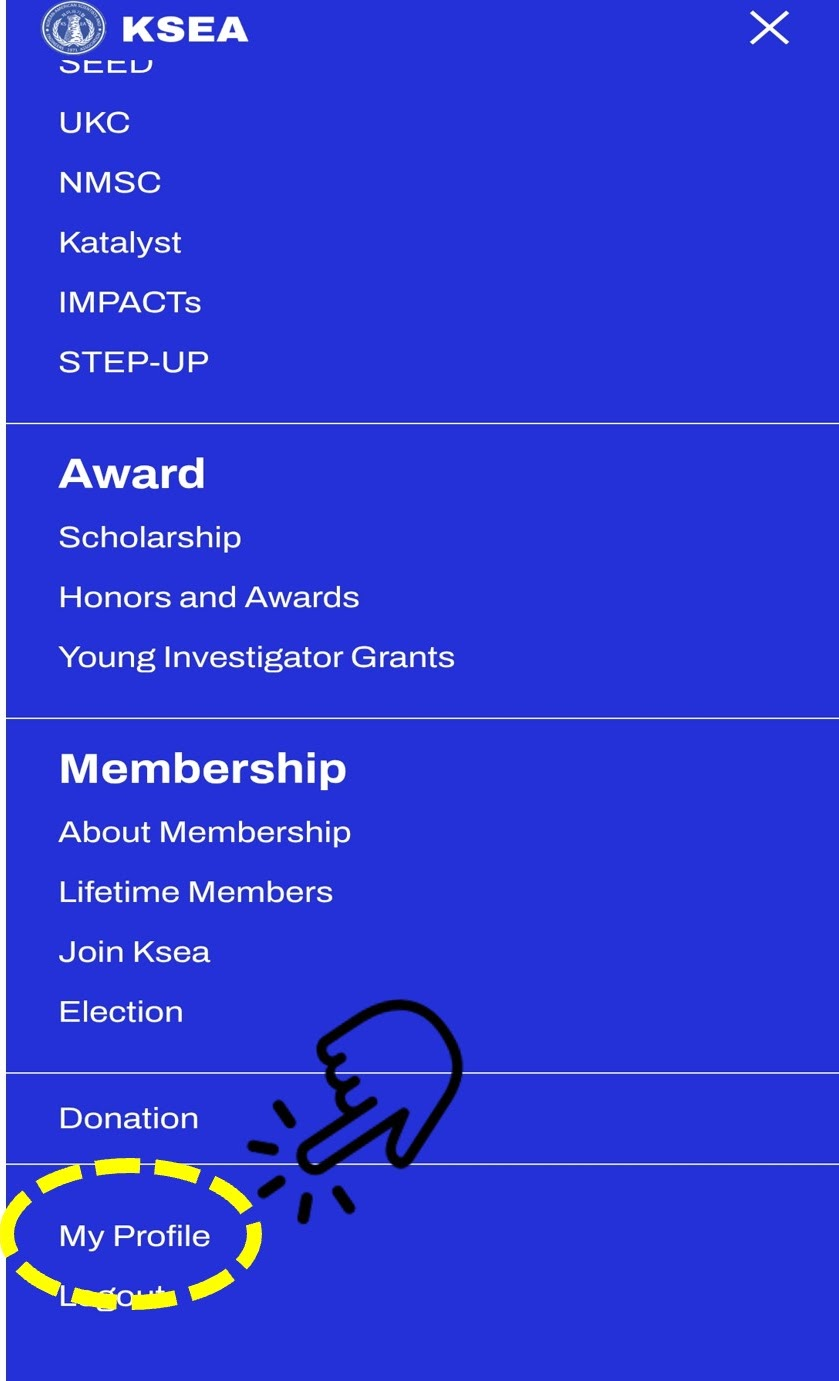
2. Access Profile
Tap the three-line menu icon in the top right corner, scroll down, and select "My Profile".
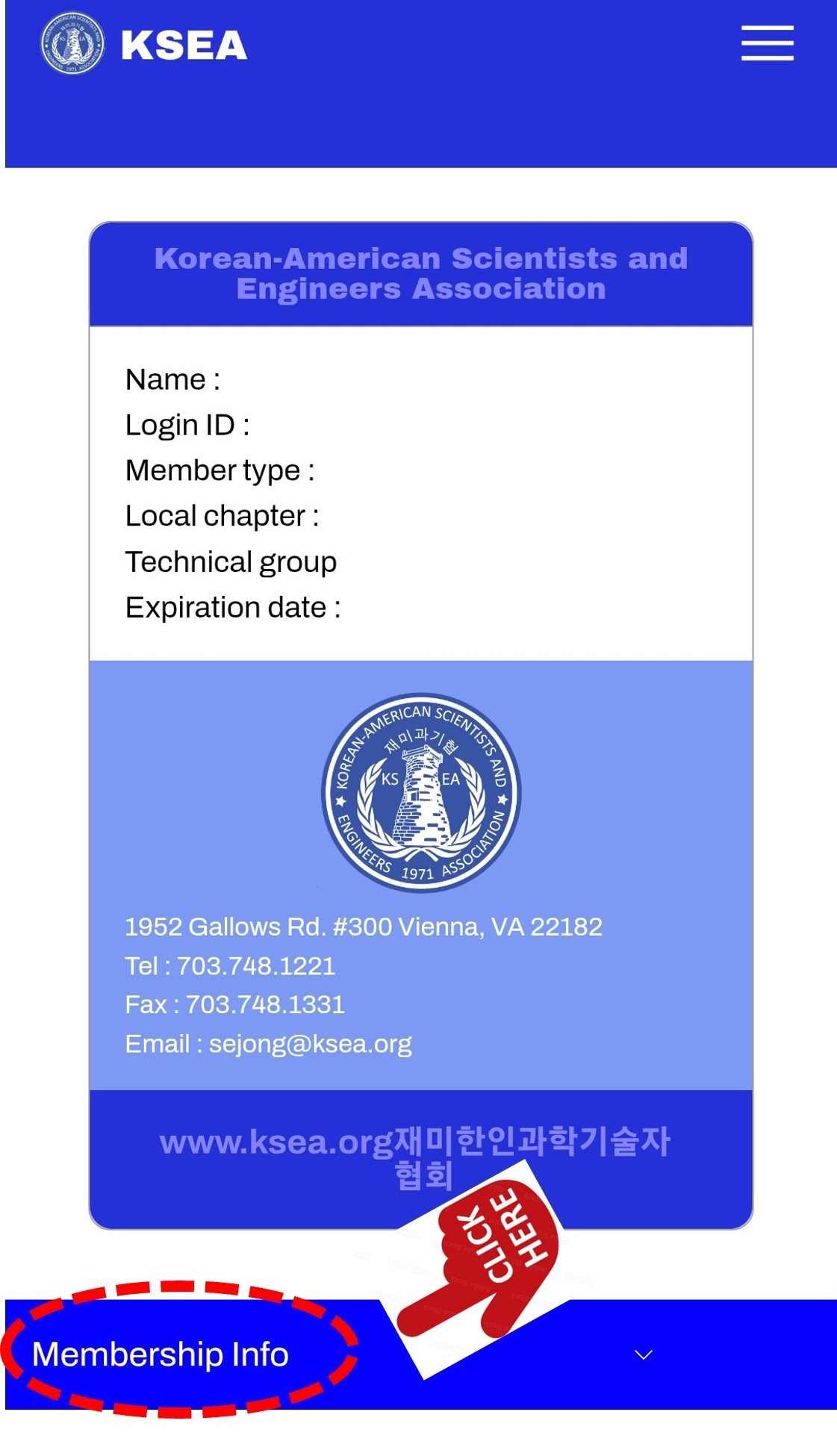
3. Select Chapter
Click "Membership Info" and select "KSEA Information". From there, choose "(Council) Philadelphia" as your local chapter.
Having trouble? Feel free to contact us at ksea.philly.chapter@gmail.com